One AI That Writes AND Illustrates Your Story
Most tools own one slice of the work: a writing assistant that can't draw, or a storybook maker that only does children's books. Getting a finished, illustrated piece used to mean stitching two tools together and fighting to keep your character consistent.
NFE Studios does the whole job. It writes your piece, illustrates every scene with consistent characters, and finishes it in 14 formats, from screenplays and novels to children's books, songs and speeches.
How does an AI that writes and illustrates work?
You start with one idea and pick a format. The engine reads it, asks tailored questions and shows a writing guide. Once you approve, it writes the full piece. Then, in the same project, you illustrate scenes with consistent characters, add voices and music, and export a PDF or film.
Pick a format
Choose from scripts, novels, short stories, children's books, poems, lyrics, speeches, essays, biographies, manuals, comedy, jokes, ads or a custom format.
Write it
Answer tailored questions, approve the writing guide, and get the complete, formatted piece. Hear it read aloud and revise with Engine notes.
Illustrate it
Design your cast once, then generate scene images where every character keeps the same look across pages or shots.
Finish it
Animate stills into video, add character voices and music, compile a film, or export an illustrated PDF.
Real pages made in NFE Studios
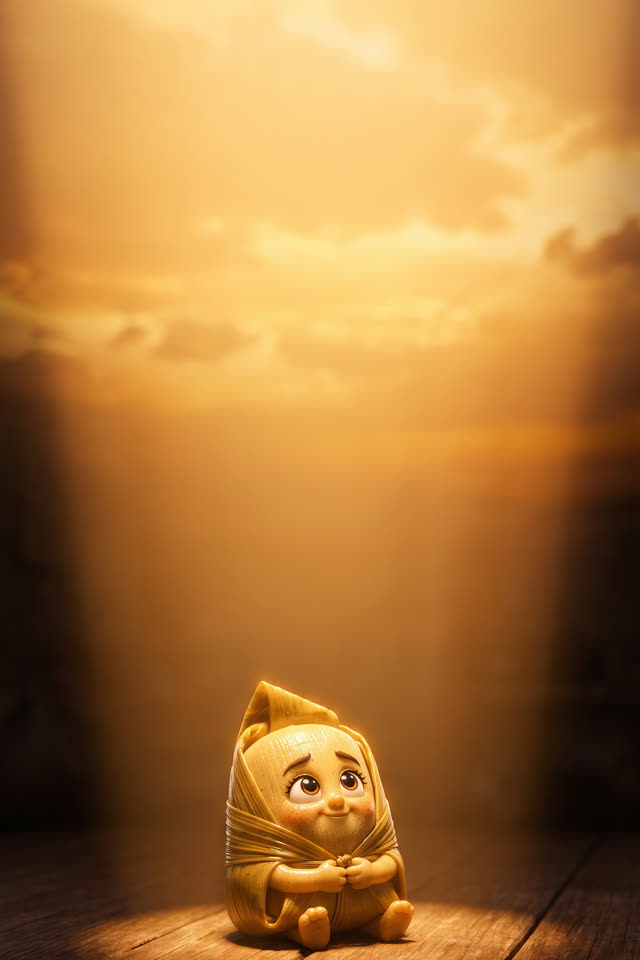
These pages are from Wings of a Dream, our own illustrated series, written and illustrated in the studio. The same characters stay consistent from page to page.
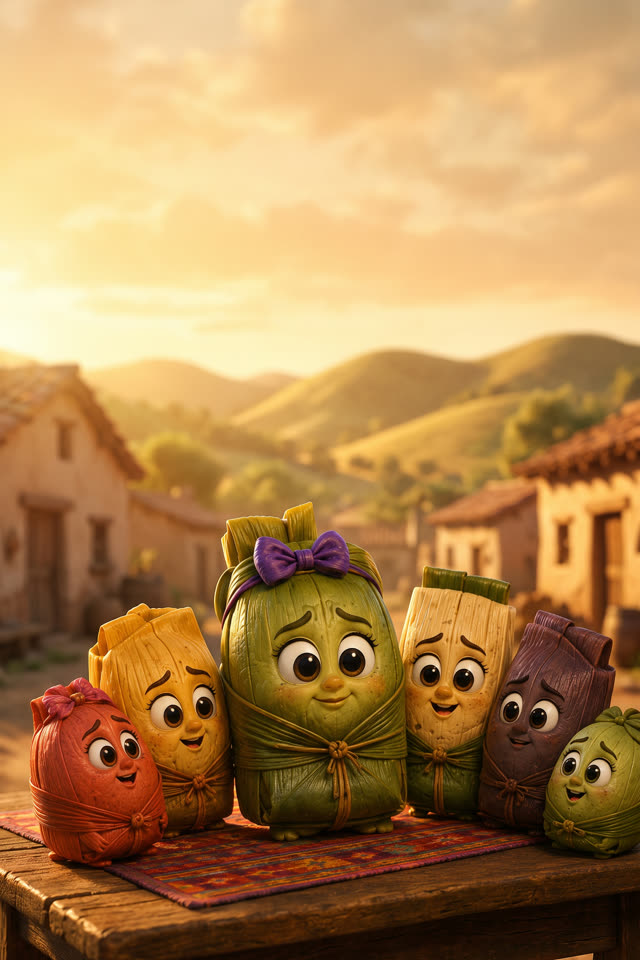
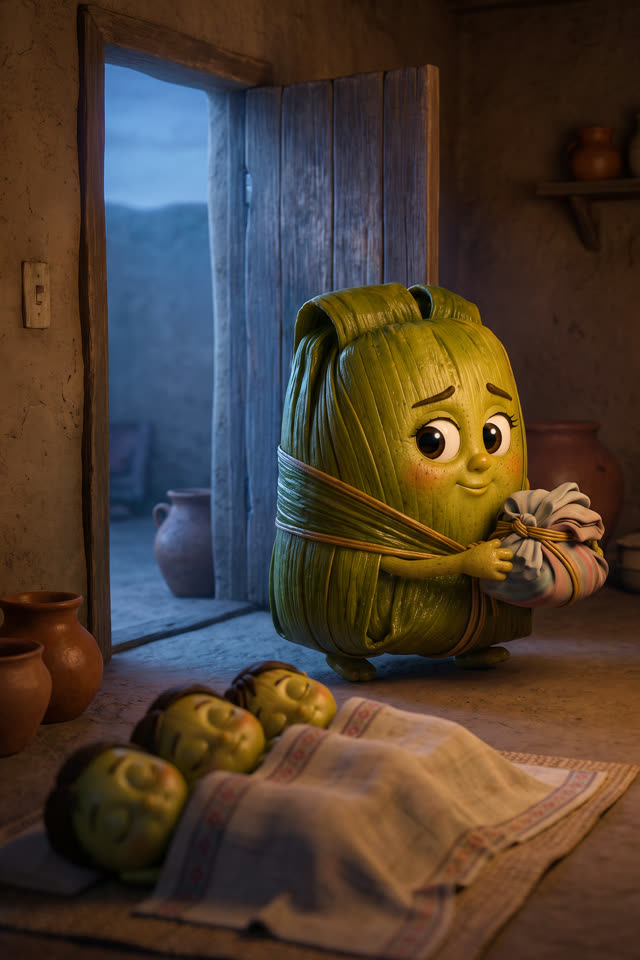
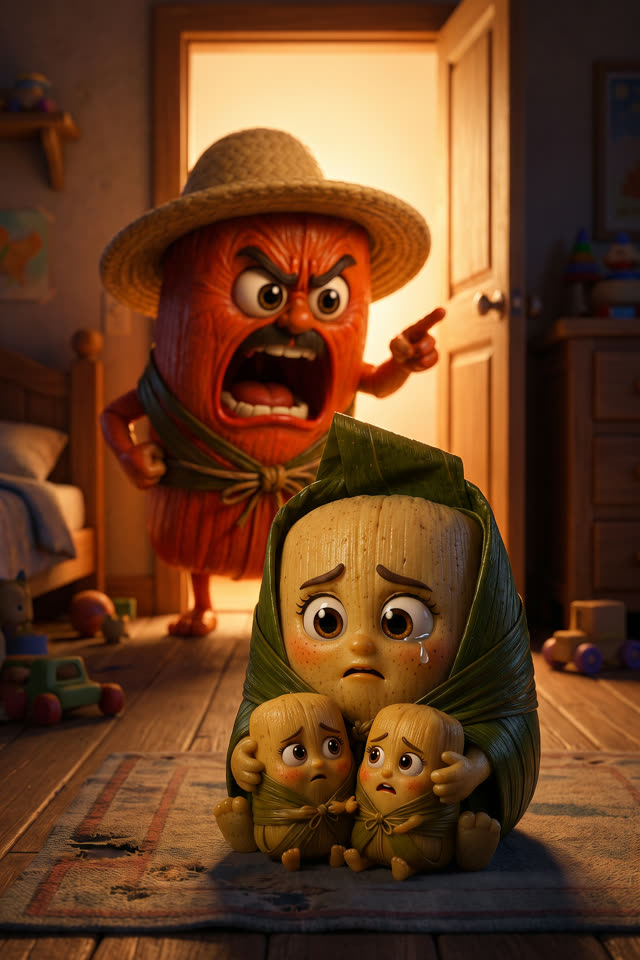
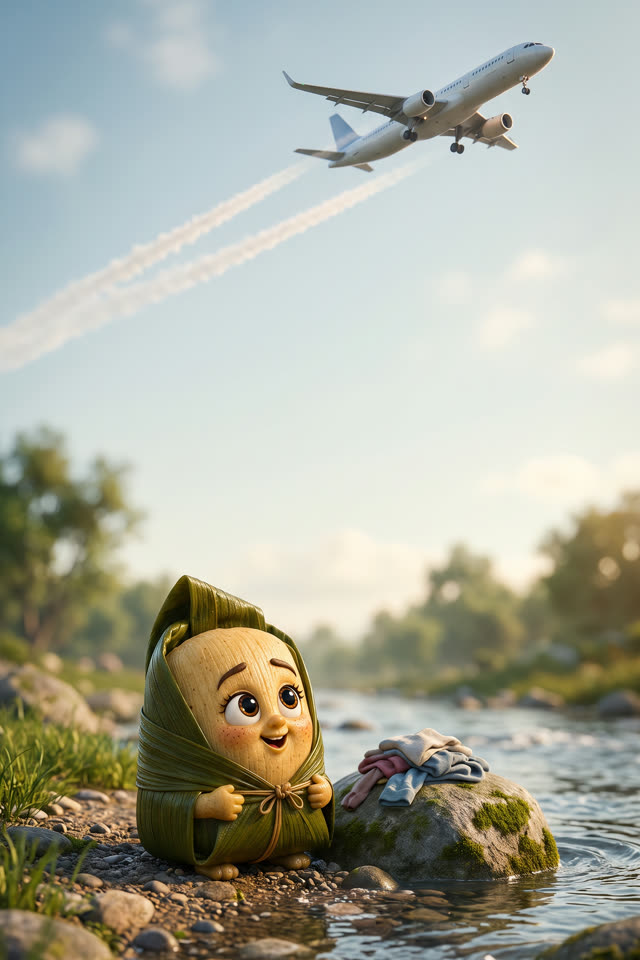
What does a written and illustrated project look like?
Each scene pairs the text you approved with an image of that moment, drawn with the same characters as every other scene. Here is one scene from a made-up short story, showing the passage and the image description the engine would illustrate.
Example written for this page to show the format. It is not real user output, and your results will differ.
What makes an illustrated story work?
An illustrated story works when words and pictures share the job. Text carries thoughts, sound and time; images carry setting, mood and expression. A consistent cast and art style tie the whole piece together, so readers never wonder whether a character has changed.
Design characters before scenes
Settle each character's look first. Every later image draws on that design.
Don't repeat the picture in words
If an image shows a red barn, the text can skip it and spend its words on feeling or action.
Choose one art style
Mixing styles mid-project feels jarring. Pick one look, such as watercolor or comic ink, and keep it.
What you get
- Writes AND illustrates — no second tool, no hand-off
- Consistent character art across every page or scene
- 14 formats: scripts, books, kids' books, poems, songs, speeches, ads and a custom option
- Finish it: read-aloud, narrated film and clean PDF export
How much does it cost?
Writing is free in every format, with a rate limit. You get 100 free tokens, and 1 token is $0.01. A character design costs 75 tokens, each standard scene image 15, video 13 per second, voice 15 per 1,000 characters, and film rendering 60 per minute.
| Character design | 75 tokens ($0.75) per character |
|---|---|
| Standard image | 15 tokens ($0.15) per image |
| Animated video | 13 tokens ($0.13) per second |
| Voice | 15 tokens ($0.15) per 1,000 characters |
| Film render | 60 tokens ($0.60) per minute |
Top-ups come in $10, $25, $50, $100 with bonus tokens on larger amounts. The free plan adds a watermark and no commercial rights; pay-as-you-go has no watermark and includes commercial rights. See full pricing →
Frequently asked questions
Is there an AI tool that writes and illustrates a story?
Yes. NFE Studios writes your piece and illustrates it in the same project, with characters that keep the same look throughout. You can then add voices and music, animate scenes into video, and export a PDF or compiled film. There's no hand-off between a writing tool and a separate image tool.
How is this different from a normal AI writing tool?
General writing assistants produce text and stop there. Image tools make pictures but don't know your story, and keeping a character consistent across separate tools is hard. NFE Studios connects the steps: your approved text drives the scene list, and your character designs guide every image.
What can I create?
Movie scripts, ad scripts, novels, short stories, children's books, poems, song lyrics, speeches, essays, biographies, training manuals, comedy sets and joke batches, plus a custom format for anything else. Each format has its own questions and layout, and any of them can be illustrated and exported.
Can I bring my own writing instead?
Yes. If you already have a finished story, script or book, upload it and NFE Studios keeps your exact words, splits the text into scenes, and lets you illustrate, voice and film it. See the manuscript illustration page for the supported file types and how the scene split works.
What are the Live and Character tools?
Beyond writing and illustrating, NFE Studios includes Character tools for designing a reusable cast, and Live tools that turn your webcam into an avatar or bring characters to life in real time. They sit alongside the story flow, so a character you design can appear in your stories and your live sessions.
NFE Studios is an AI creative studio that writes, illustrates, voices and films your stories — and brings characters to life live. About us
Start creating →Related formats
- AI Children's Book CreatorPicture books with short, age-appropriate page text and the same characters on every page.
- AI Movie Script GeneratorFormatted screenplays with sluglines, action and dialogue, ready to storyboard and film.
- AI Novel Writer & Book CreatorPolished novel chapters written one installment at a time, with voice, pacing and revision notes.
- Upload Your Manuscript & Get It IllustratedUpload a finished story, script or book and illustrate it scene by scene, keeping your exact words.
- AI Song Lyrics GeneratorComplete lyrics with labelled verses, chorus, bridge and hook in the genre you choose.
- AI Short Story GeneratorComplete short stories with a beginning, middle and end from a single line of inspiration.
New to the studio? Read the step-by-step guide, compare token costs on the pricing page, or browse writing tips on the blog.